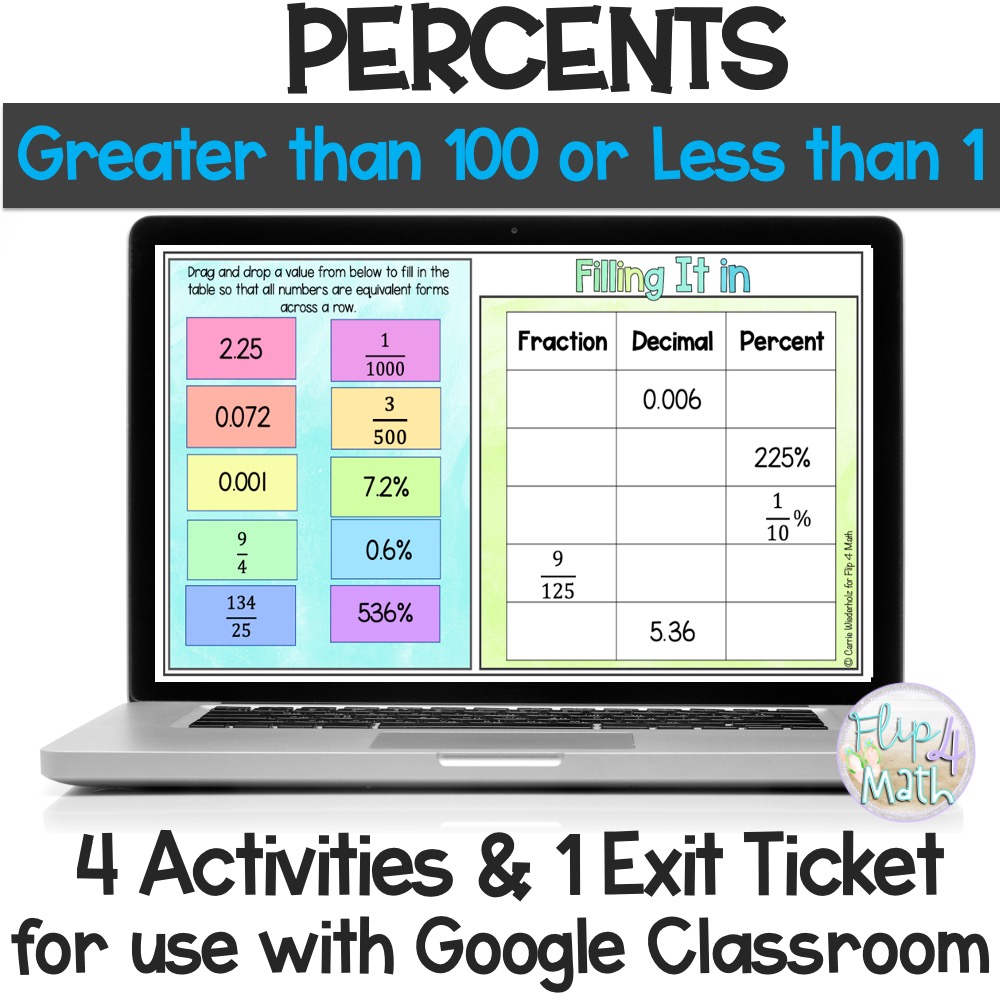
Percents Greater than 100 or Less than 1 Digital Activities: In this Google Drive™ product you will have access to a bunch of percents interactive activities plus an exit ticket that corresponds to the lesson.
Description
Percents Greater than 100 or Less than 1 Digital Activities:
In this Google Drive™ product you will have access to a bunch of percents interactive activities plus an exit ticket that corresponds to the lesson.
4 Percent Google Slides™ Activities:
1. Step-by-Step Fill in Changing Percents larger than 100 to a fraction/decimal and Changing Percents less than 1 to a fraction/decimal
2. Matching fractions, decimals and percents
3. Fill in a table with equivalent fractions, decimals and percents
4. Identify an equivalent fraction, decimal or percent
There are a total of 4 activities in this Percents Greater than 100 or Less than 1 Digital Activities product. Some activities are drag and drop while others the students need to type in their answers. There are various question types included: matching, drag & drop and fill-in. Answer Keys are provided for all activities in a separate Google Slides document for easy teacher access.
1 Exit Ticket:
Then there is 1 completely editable self-checking exit ticket Google Forms assessments on percents greater than 100 or less than 1.
This a great interactive Google Slides™ activity for a review, independent practice, group work, homework and much more.
Step-by-Step Instructions: A teacher guide with step-by-step instructions have been included to help you implement these activities into your classroom. Please do not hesitate to reach out with any questions. (flip4mathteacher@gmail.com)
What you need to access the files: You and your students will need access to Google Slides™. Google Classroom™ is the easiest way to share the files with students.
How you will receive the files: These are created with a digital TpT feature. Once you purchase, TpT will ask for access to your Google Drive™ and will AUTOMATICALLY create a copy for you in your Google Drive™. If you have any trouble, then please reach out to TpT support.
Additional information
| Resource Type | Digital (Google™) |
|---|